

iStunt 2: Tilt-Controlled Snowboarding Adventure
Overview
- Tilt-Based Controls: Players use device tilt to steer and balance the snowboarder, creating a responsive and intuitive interface that mimics real-world motion.
- Touch-Activated Actions: Additional inputs via touch allow for board grabs, crouching, and jumps, which are essential for navigating certain course segments.
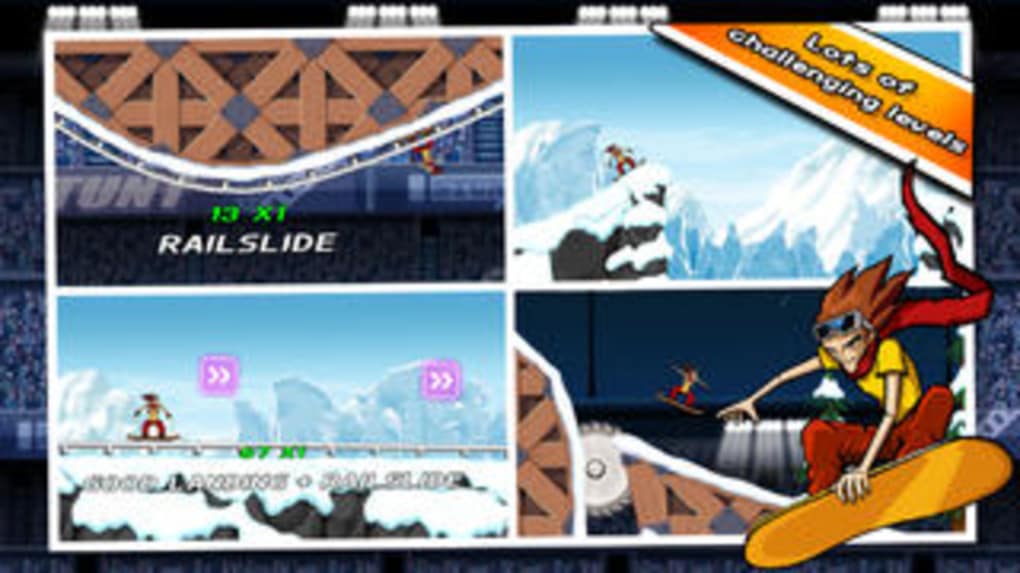
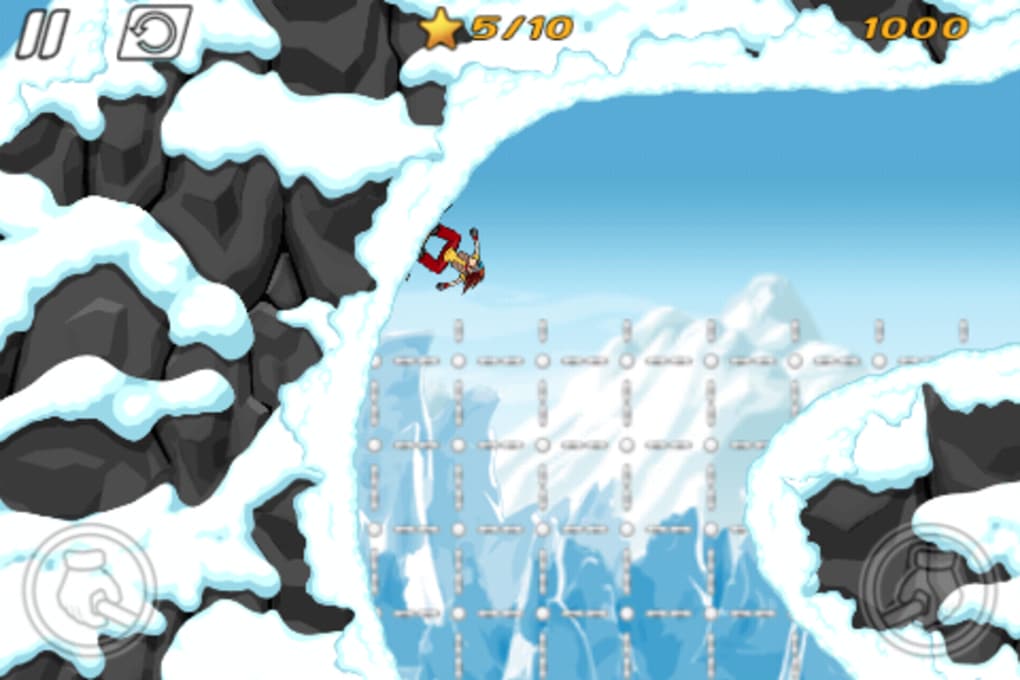
- Gravity-Defying Environments: The game features zones with reversed gravity, zero-gravity effects, and dynamic terrain shifts, enhancing the surreal gameplay experience.
- Progressive Course Design: Levels increase in complexity with larger jumps, tighter timing challenges, and layered mechanics, testing player reflexes and adaptability.
- Checkpoint System: Upon failure, players return to the most recent checkpoint, though placement appears inconsistent, sometimes requiring long sequences to be replayed.
- Free-to-Play Model with Upgrade Path: The game is available at no cost, with optional in-app purchases to unlock a full version, though the upgrade prompt is described as non-intrusive.
User Interface, Workflow & Performance
The user interface of iStunt 2 is minimalistic, focusing on gameplay clarity over visual complexity. The screen layout centers on the snowboarder and course, with essential indicators—such as direction and motion cues—presented without clutter. Navigation is streamlined, relying primarily on device tilt and touch inputs, reducing the need for on-screen buttons. This design supports quick immersion and reduces cognitive load during fast-paced sequences. Workflow efficiency is high for short sessions, as the game launches quickly and begins play immediately after startup. The learning curve is shallow, allowing new players to grasp core mechanics within minutes. However, the game’s progression system may disrupt flow when players are forced to replay lengthy segments after a single mistake, especially if checkpoints are placed at irregular intervals. Performance observations are based on general software behavior patterns. The developer did not specify resource usage details, but the 45 MB installation size suggests a lightweight application. CPU and RAM behavior are not publicly documented. Stability during gameplay appears consistent, though the game may experience occasional lag on older devices. The absence of reported crashes or freezes indicates a generally stable runtime.Compatibility & System Requirements
iStunt 2 is available for both iOS and Android platforms, ensuring broad accessibility across mobile devices. The software version is listed as 1.0, indicating a stable initial release. The installation size is 45 MB, which is relatively small and suitable for devices with limited storage. The developer did not specify exact system requirements, including minimum processor speed, RAM, or OS version. Compatibility information is limited to the supported operating systems. Users should verify device compatibility through their respective app stores. No hardware-specific features or dependencies were mentioned.Pros and Cons
Pros
- Intuitive tilt-based controls enhance immersion and responsiveness.
- Engaging, surreal course designs with gravity-defying mechanics.
- Lightweight installation size (45 MB) for mobile devices.
- Free-to-play model with optional upgrade path.
- Quick access to gameplay with minimal setup time.
Cons
- Checkpoint placement may disrupt gameplay flow and increase frustration.
- Some course designs rely heavily on gimmicks rather than balanced challenge.
- Limited depth in gameplay mechanics beyond tilt and touch inputs.
- Performance on older devices may vary without official specifications.
- Upgrade prompts, while non-intrusive, may still interrupt play for some users.







